Getting started
Sign in with X, one click, read-only, no password. Every new account gets a 14-day Pro trial with every AI feature, no card required.
- Connect X
- Sign in with your X account (read-only). It can never post, follow, or message on your behalf, and your X password is never involved.
- Add the extension
- Install the free Marksave browser extension, that's how your bookmarks come in. No X API, no per-bookmark cost.
Importing your bookmarks
A free browser extension reads your own X bookmarks and sends them here. No X password, no API cost, and re-importing is always safe, duplicates are skipped.
- One-time backlog
- Click Import in the library to get your token, install the extension and paste it in, then open your X bookmarks and hit Auto-scroll. It walks your whole backlog and syncs everything here, sorted.
- Ongoing
- After that, every new tweet you bookmark on X syncs automatically the moment you save it, nothing to do.
- 1Library → Import → copy your token
- 2Install the Marksave extension, paste the token
- 3Open x.com/i/bookmarks and click Auto-scroll
- 4New bookmarks then sync automatically as you save them
Your library
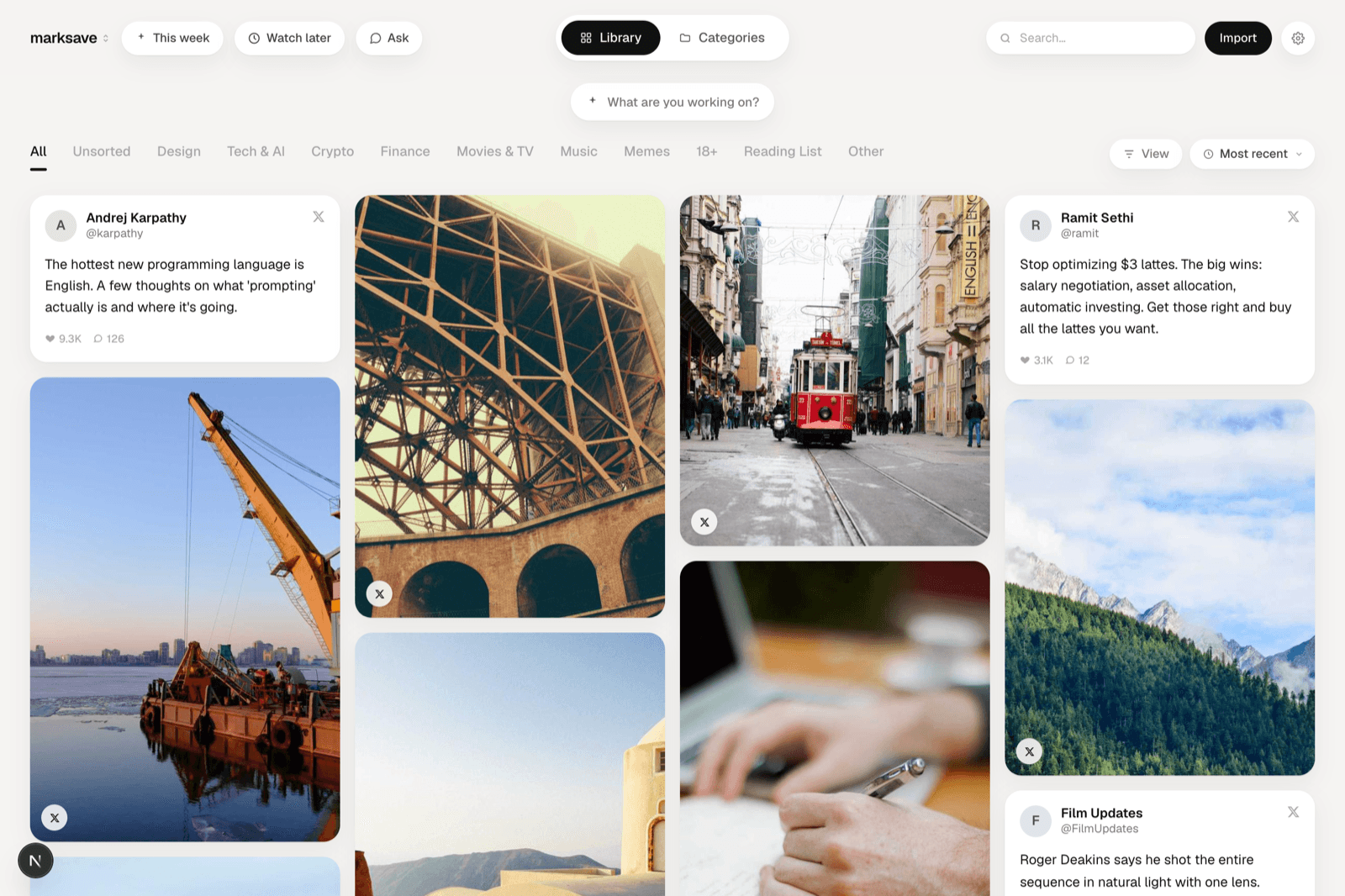
Every save in one fast, visual place. Media-rich saves show their image or video; text saves render as clean cards.
- Library & Categories
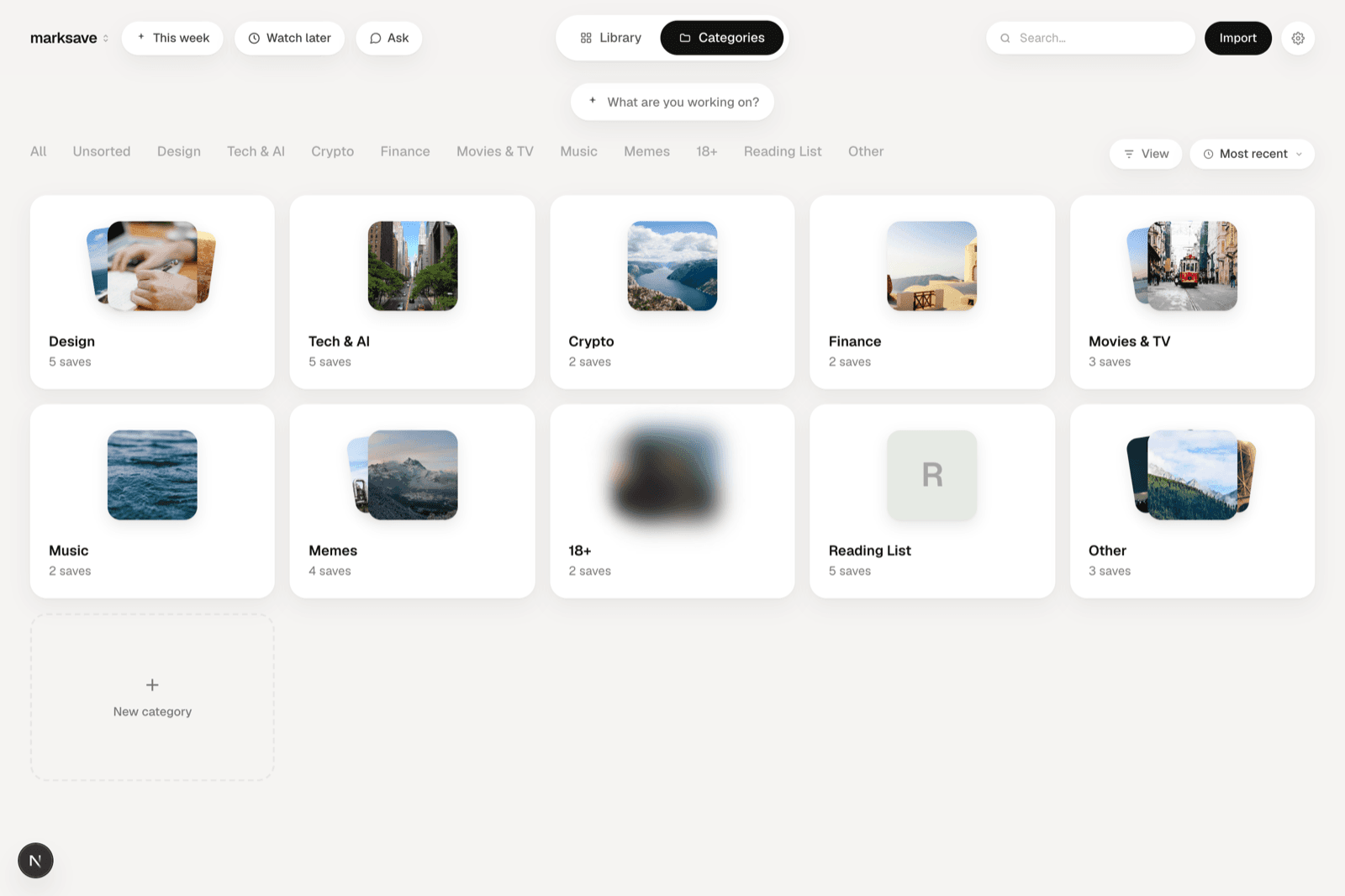
- Switch between the full masonry library and a deck of category covers.
- Filters
- Narrow by media type (photos, videos, text), by category, and by sub-topic.
- Density
- Use the density slider to set how many columns the grid shows.
- Watch later
- Queue videos and long threads to come back to.
- Live updates
- Newly imported saves appear at the top as they arrive.


Search, Ask & Focus
Four ways back to a save, because you rarely remember the exact words.
- Keyword search
- Find saves by their text, author, category, or sub-topic.
- Search by meaningPro
- Toggle semantic search to find a save by what it meant, not the words it used.
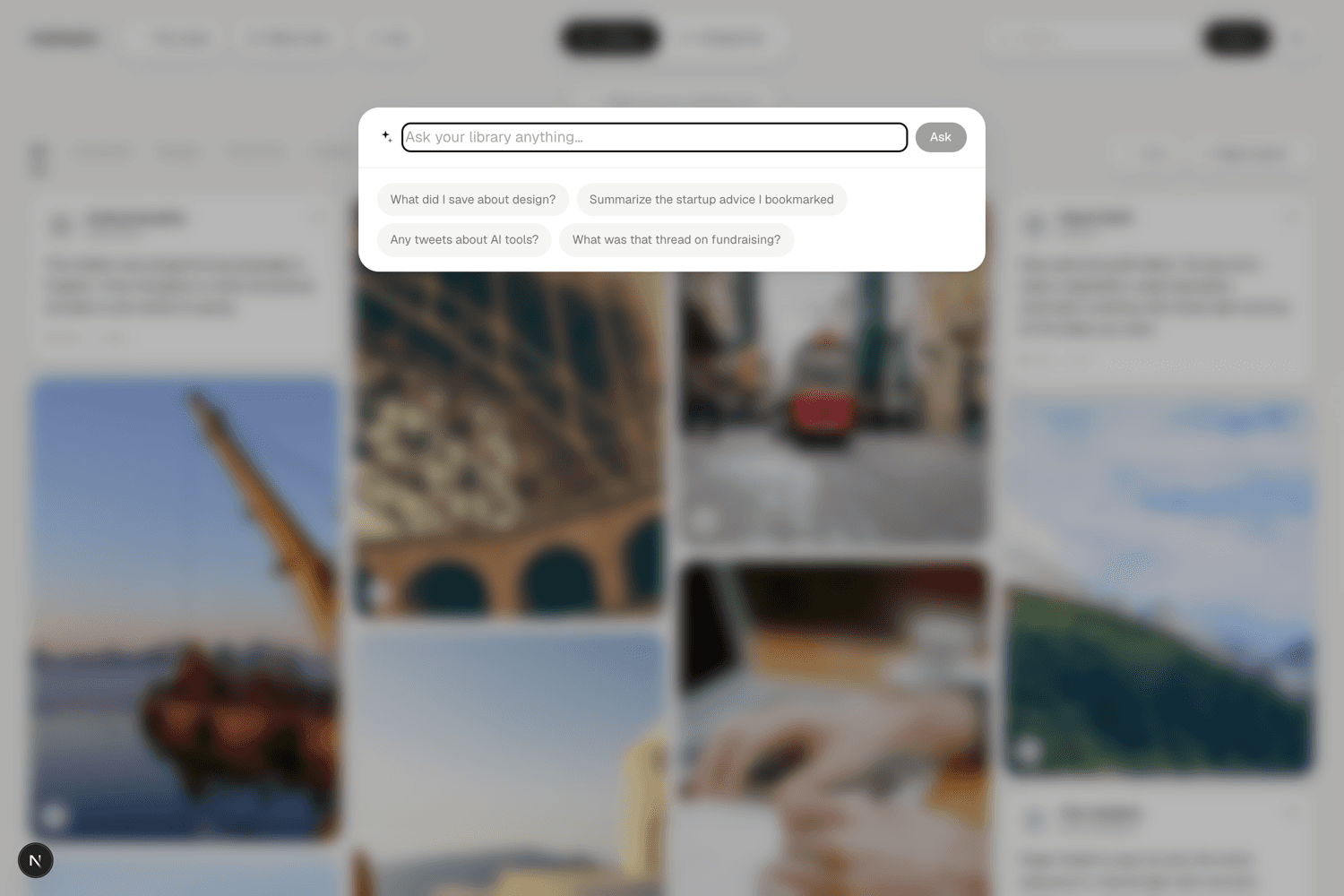
- Ask your libraryPro
- Tap Ask (or press ⌘J) and ask a question, get a direct answer with the saves it's based on. Counting and “list all” questions are answered exhaustively.
- FocusPro
- Tell Marksave what you're working on and it resurfaces the saves that move it forward.
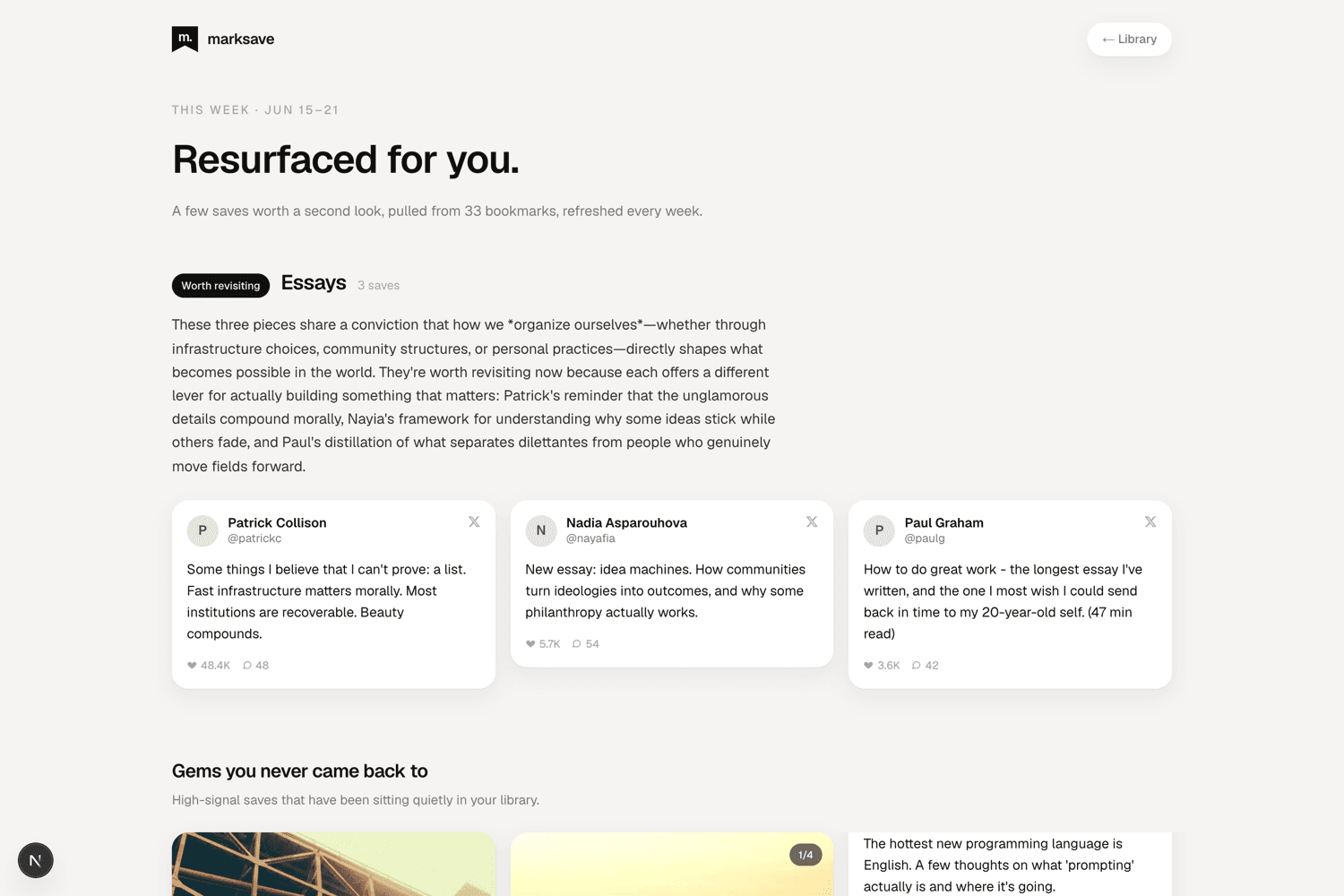
- This weekPro
- An auto-curated weekly brief of themes, buried gems, and time-capsule resurfacing. Verified email accounts can also receive it by email.

Organizing
Marksave does the filing, but you're always in control. Manual choices are never overwritten by the AI.
- Auto-categorizationPro
- AI files each save into a category and a short sub-topic automatically.
- Manual folders
- Create your own categories and move saves into them by hand.
- Recategorize
- Change a save's category from its menu, or select several and bulk-move or delete them.
- Re-run categorizationPro
- From Settings → Organization, re-sort anything still uncategorized.
Sharing a collection
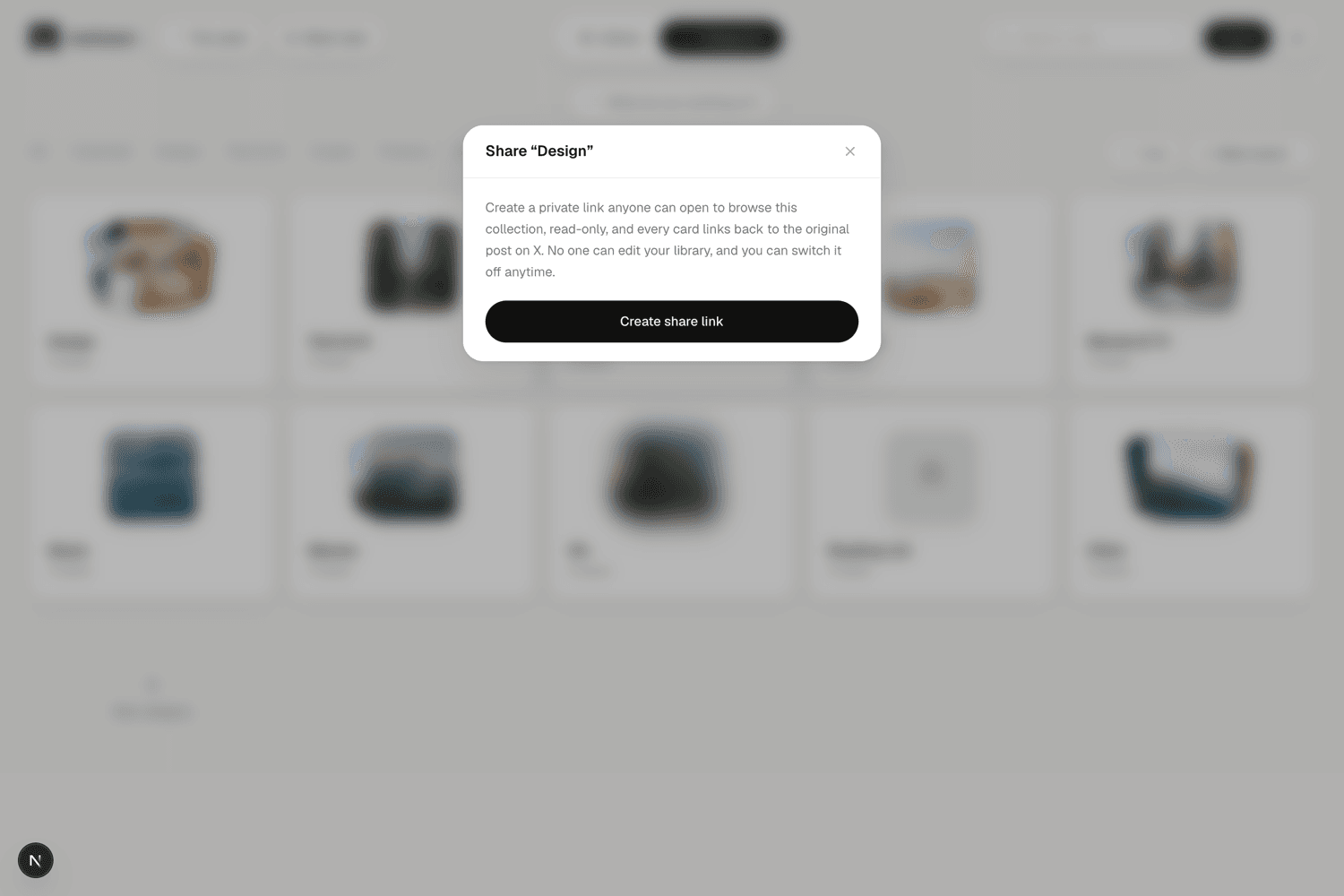
Turn any category into a private, unguessable link.
- Share a category
- Visitors browse a read-only view; every card links back to the original tweet on X. Revoke the link any time. Marksave points to X content, it doesn't rehost it.
Personalize
Shape the whole product around what you actually do.
- Your profile
- Set your role and what you're building. It conditions how saves are categorized and how questions are answered, so the library fits your work.
- Theme
- Light, dark, or match your system.
Settings & your data
Your data stays yours, read-only access, encrypted tokens, and a one-click way out.
- MaintenancePro
- Generate thread summaries or rebuild the search index from Settings → Organization.
- Account
- Change your password, verify your email, and connect or disconnect X.
- Export
- Download everything as JSON at any time.
- Delete
- Remove your account, all saves, and any X tokens in one click. This can't be undone.
Plans
Free forever for the library; Pro for the AI that finds things for you.
- Free
- Import, the visual library, manual folders, keyword search, and export, forever.
- Pro
- AI categorization & sub-topics, search by meaning, Ask, Focus, summaries, and This week. $10/mo, $8/mo billed annually, or a $150 lifetime pass.
- Trial
- Every new account gets 14 days of Pro free, no card. When it ends you keep a free account and nothing is deleted.